Forget third-party utilities: meet Armbian Imager
Armbian Imager eliminates the guesswork from flashing SBC images. Real-time board detection, persistent caching, and built-in safety make installation fast, simple, and risk-free

We all know that feeling. You have a new Single Board Computer (SBC) in your hands, ready to be transformed into a home server, a media center, or a testing lab. The excitement is high until you hit the first roadblock: installation.
Which image is right for this exact model? Which kernel should I choose? Did I download the correct variant, or will I end up with a system that won't boot? For years, this process has been a "guessing game" involving web searches, manual downloads, and the constant fear of causing damage with the terminal.
It is time to end this frustration.
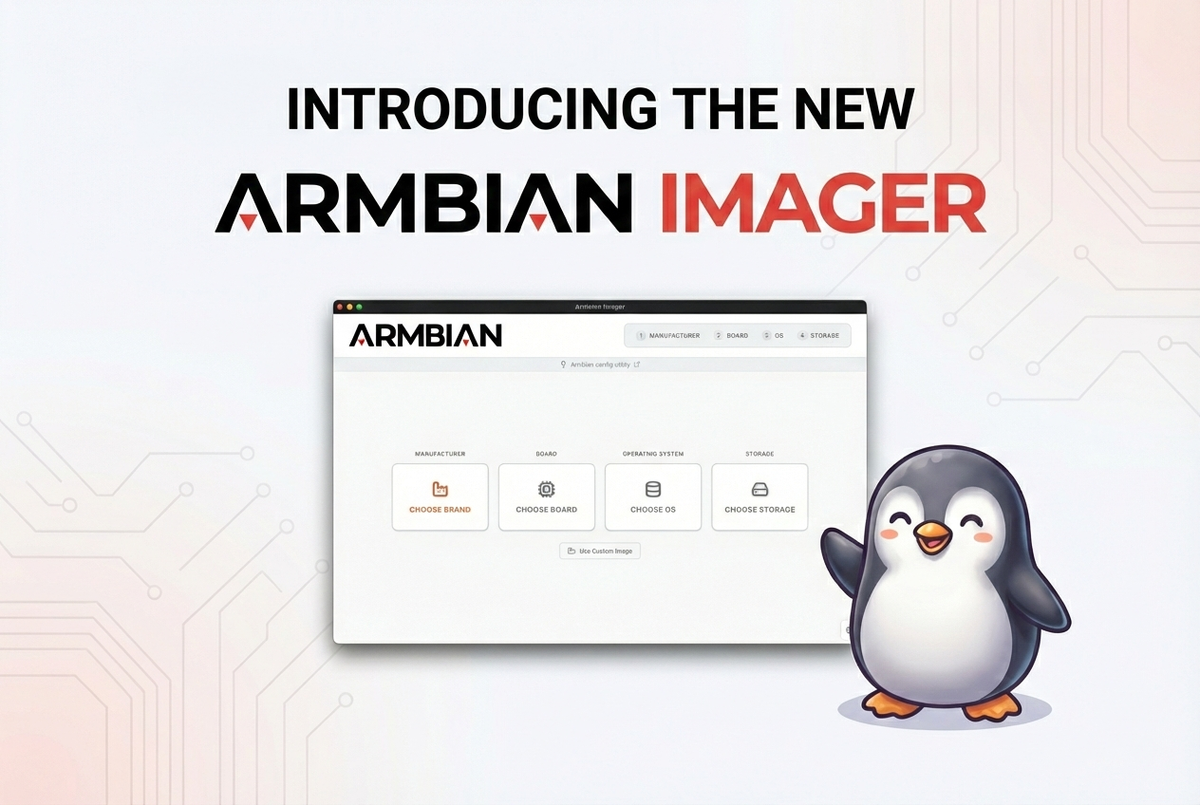
Today, we are proud to present Armbian Imager, the official flashing utility that completely changes the rules of the game. It is not just a new program: it is the missing bridge between you and your hardware.
Why Armbian needed its own imager
For years, the Armbian community relied on valid but ultimately "blind" tools. Utilities like BalenaEtcher are great for writing data, but they have no idea what they are writing. They see binary files, not the complexity of an Orange Pi or a Rockchip.
The "expert" alternative, the dd terminal command, is powerful but ruthless: one wrong character and you can say goodbye to the data on your main disk.
We wanted something different. We wanted a context-aware tool. A tool that knows exactly which board you are using and what it needs.
That is why we created Armbian Imager.

The heart of Armbian Imager: power and simplicity
We threw away the old instruction manual. Here's what makes the new workflow not just fast, but genuinely enjoyable.
Your hardware catalog, directly in the app: Forget ten browser tabs. Armbian Imager connects in real-time to our database. Select your board from over 300 supported models, and it does the rest. You don't have to worry about architectures or compatibility: the app knows your board better than you do.
Bandwidth saved, time gained: How many times have you re-downloaded the same image just to try a new board? With Persistent Cache, this is just a memory. Once an image is downloaded, Armbian Imager keeps it ready. Flashing the second, third, or tenth card becomes instant. Zero wait, pure efficiency.
Safety that lets you sleep soundly: We have integrated automatic integrity checks and safeguards to prevent accidentally selecting your computer's main disk. Flashing becomes a risk-free operation, finally accessible to everyone.
When things go wrong
Even with the best preparation, sometimes things don't go as planned. That's why we've integrated a detailed logging system with direct upload to paste.armbian.com. With a single click, you generate a shareable link and QR code for the forum or support channels.
What users are saying
We're not the only ones who believe in this project. Here are some reactions from the community and tech press:
"A godsend for non-Raspberry Pi SBC owners." — Sourav Rudra, It's FOSS
"A fantastic tool for getting people started with non-Raspberry Pi boards." — Interfacing Linux
"It's super easy to write an operating system... I'm always happy when an Armbian version comes out because you've got more stability and much more compatibility." — leepspvideo, YouTube
"According to Armbian, this results in less RAM and storage usage and a faster experience." — Jordan Gloor, How-To Geek
Are you ready to streamline your work?
Stop struggling with obsolete tools or manual procedures. Switch to the official, safe, and fast method.
Armbian Imager is available now for Linux, Windows, and macOS. It's time to focus on your project, not the installation.
- Download it now: GitHub - armbian/imager
- Documentation: Getting Started Guide
- Talk to us: Armbian Forum