The factory behind Armbian

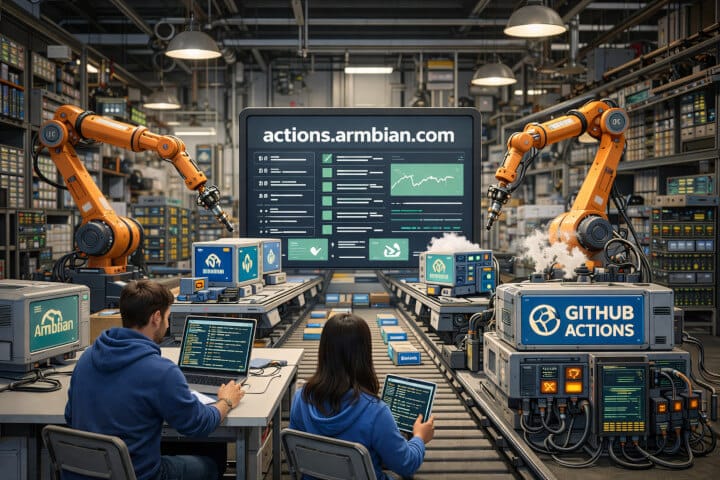
When you download an Armbian image, flash it to your SD card or SSD, and boot your board, a huge amount of automation has already happened behind the scenes.
That invisible engine is what you can see at https://actions.armbian.com.
Think of it as the mission control center of Armbian’s infrastructure.
It doesn’t look flashy, but it represents one of the most important parts of the project: the system that builds, tests, validates, and maintains Armbian for hundreds of boards, kernels, and configurations.
Armbian isn’t just an operating system. It’s an automated production platform for embedded Linux.
What is actions.armbian.com?
actions.armbian.com is Armbian’s public automation dashboard. It shows the real-time status of the workflows that power the project:
- Image builds
- Infrastructure maintenance
- Package and repository updates
- Testing and validation
- Data generation for tools and download pages
All of this is driven by GitHub Actions, running on Armbian’s own infrastructure and cloud runners.
In simple terms:
If Armbian were a factory, actions.armbian.com would be the live dashboard showing which machines are running, which are done, and which need attention.
Why does this matter to end users?
Even if you never write code, this system directly impacts you:
- Reliability: Builds are reproducible and verified automatically
- Fresh images: New kernels, fixes, and board support are rolled out faster
- Stability: Failures are detected early, before broken images reach users
- Scale: Armbian can support hundreds of boards without manual work
Without this automation, Armbian simply couldn’t exist in its current form.
What can you see on the site?
When you open actions.armbian.com, you’ll find:
- A list of workflows and jobs
- Their current state (success, failed, running)
- Execution time and timestamps
- Links to detailed logs and JSON outputs
This transparency is rare in open-source OS projects. You are literally watching Armbian being built in real time.
From code to your SD card
Here’s what typically happens behind the scenes:
- A developer updates code (kernel patches, board definitions, build scripts)
- A workflow starts automatically
- The system prepares a build environment
- Kernels and packages are compiled
- OS images are built
- Checks and validations are executed
- Results appear on actions.armbian.com
- If certain processes are green, images are published
This process runs thousands of times per month and is fully automated. From another perspective, our servers perform the equivalent of ten years of continuous compute time in a single calendar year.
Why Armbian needs this level of automation
Armbian is not a single OS for one device. It supports:
- ARM, RISC-V, and x86
- Dozens of SoCs
- Hundreds of boards
- Multiple kernels (legacy, current, edge)
- Multiple Debian and Ubuntu releases
Manually maintaining this would be impossible. Action script behind is what makes Armbian scalable.
Not just builds – a full ecosystem
The automation system also handles:
- Generation of download metadata
- Repository synchronization
- Mirror health checks
- Infrastructure housekeeping
- Statistics and reporting
- Future tools like Armbian Imager integration
It is the backbone of Armbian’s modern platform approach.
Should users look at it?
Most users don’t need to.
But when something goes wrong, it becomes incredibly valuable:
- Why is my board image missing?
- Why did today’s build fail?
- Is Armbian currently building new images?
The answers are often already visible there.
In short
actions.armbian.com is the heart of Armbian’s automation.
It represents:
- Transparency
- Quality control
- Engineering discipline
- And the reason Armbian can support such a massive hardware ecosystem
You may never interact with it directly, but every Armbian image you use was born there.