Armbian 26.11 – Testing begins
Armbian 26.11 is almost here. Debian Trixie as the build base, a rewritten armbian-install and new boards are in, and now we need your help testing.

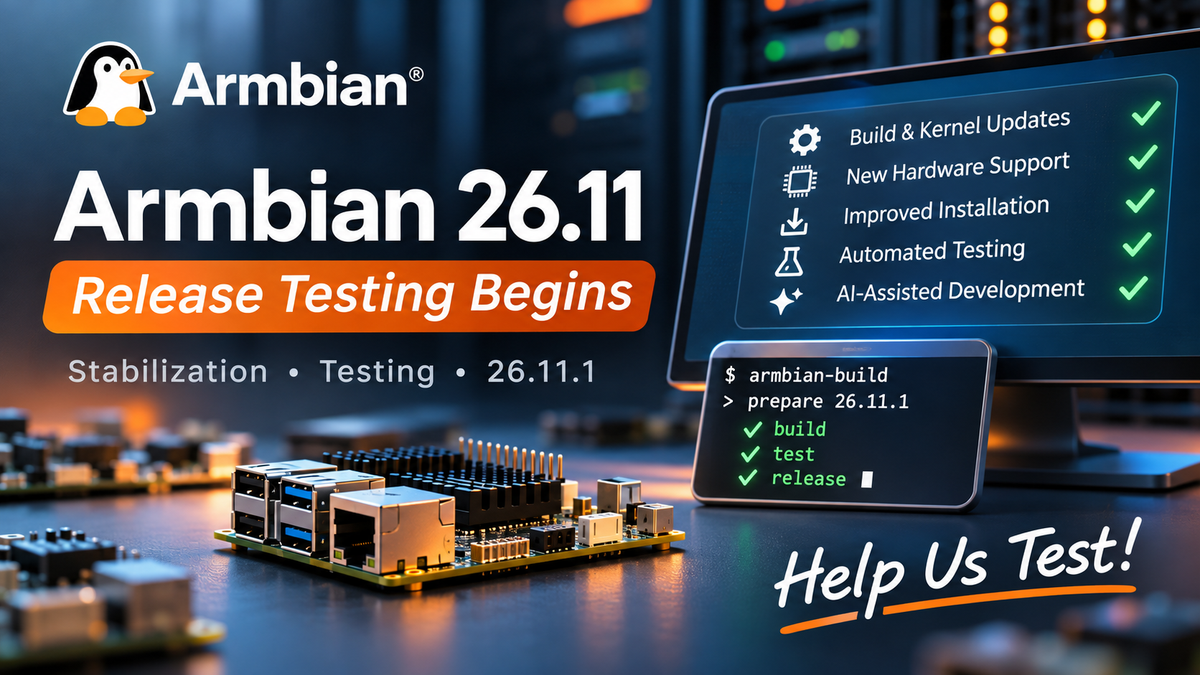
The Armbian 26.11 release cycle is in its final stretch. November is for stabilizing: fixing regressions, building release images, and testing on as much supported hardware as we can.
Since Armbian 26.08, hundreds of contributions have improved the build framework, kernel support, installation tools, hardware compatibility and release automation. Now it’s time to bring it all together and get Armbian 26.11 ready to ship.
What’s coming in this release
Debian Trixie is now the build base. It’s the official build host and the default Docker image. Ubuntu Noble has been removed from release targets, and every image format is now signed.
U-Boot 2026.10 is in place on most platforms. The remaining integrations and boot validation are still in progress.
Linux 6.18 LTS is still our main kernel. Mainline development has reached Linux 7.2-rc7, and Rockchip edge is moving to 7.2 as well. Out-of-tree drivers have been updated to match.
Bootable UEFI live ISOs are now available in minimal and desktop variants, aimed at cloud and IPMI environments.
armbian-install has been rewritten as a tested armbian-config module. It brings better eMMC/NVMe installation, SPI/MTD boot with root on NVMe, SATA or USB, dual-boot diagnostics, and bootloader-only flashing.
New boards: LubanCat 4, Xiaomi Pad 6S Pro, NanoPi NEO3 Plus, Milk-V DuoS, Walnut Pi Box and Tanix TX6S. The Banana Pi R2 is back, too.
Promoted to Standard Support: RG DS, RG Vita Pro, LubanCat 5IO, Luckfox Nova and Qidi X-6.
GPU and UEFI: the reComputer RK3588 now uses the open Panthor GPU stack, and UEFI gains Qualcomm X1E and CIX mainline support.
Wireless: thousands of compiler warnings fixed in the rtl8852bs and uwe5622 drivers, along with memory-safety fixes.
armbian-config: Proxmox VE on Trixie, virt-manager, docker-buildx and overlayfs now work out of the box.
Release automation: weekly stable builds with automatic version bumps, pinned source SHAs, and a changelog page for every release.
All of this is the work of maintainers, developers, contributors and partners across the Armbian community, and it adds up to a lot.
Automated testing & AI-assisted development
We keep investing in Armbian’s automated testing and R&D facility. It regularly tests dozens of physical boards across different SoC families, checking that they boot reliably and that the kernel, networking and other hardware-specific features work. That way we catch regressions earlier, and maintainers spend less time on repetitive checks.
We’re also using AI-assisted development agents more and more in our engineering work. They help investigate failures, analyze regressions, handle routine maintenance and prepare fixes for developers to review. Together with testing on real hardware, this lets a small team cover more platforms.
You can see which boards the facility covers, and their latest results, on the Armbian Automated Board Testing Status page.
If your board is covered there, it usually doesn’t need extra manual release testing. The main exceptions are desktop functionality, which automation doesn’t cover yet, and any other features outside the automated tests. That means community testing can go where it helps most.
Stability first
With the release close, development is now focused on critical fixes, regressions and release-blocking issues. Our priorities are to:
- Fix critical boot, kernel, networking and storage regressions.
- Validate U-Boot 2026.10 and the updated kernel stacks.
- Test new boards and boards recently promoted to Standard Support.
- Check desktop images and graphics.
- Finish generating release images and find any that are missing.
- Move unfinished features and non-essential changes to the 27.02 development cycle.
If you’re contributing, please hold off on changes that aren’t needed right now, so we don’t destabilize the release.
Help us test
Community testing matters most for boards our facility doesn’t cover yet, and for desktop functionality. You don’t need to be a developer. If you own a supported board, a few basic checks really do help.
1. Check your board
Start with the Automated Board Testing Status page. If your board is covered and its tests are passing, you don’t need to repeat the basic boot and networking checks, but desktop and other features outside automated coverage still need a human. If your board isn’t covered, your testing is especially valuable.
2. Download and boot
Grab the latest 26.11 pre-release image for your board from Download Test Images. If a pre-release image is not available for your board, you can also use the latest nightly build. Testing and bug reports from both are equally welcome.
Flash it to a spare SD card or other storage, boot the board, and complete the initial setup. These are development images, so please don’t test them on production systems or on storage holding data you care about.
3. Run some basic checks
Focus on what matters for your hardware:
- Boot: Does the board start reliably? Try a reboot and, if you can, a cold boot.
- Networking: Check Ethernet, Wi-Fi and basic connectivity.
- Storage: Test SD, eMMC, NVMe, SATA or USB storage, whichever your board has.
- USB and peripherals: Check connected devices and any important board-specific interfaces.
- Desktop: Check graphical login, display output, resolution, GPU acceleration and general usability.
- Installation: If you can, try the rewritten armbian-install, especially installing to eMMC/NVMe and setting up the bootloader.
A quick look at the running system can also turn up unexpected errors:
uname -a
cat /etc/armbian-release
sudo dmesg -l err,crit,alert,emerg
You don’t have to test everything. Even confirming that a previously untested board boots and works is useful.
4. Report regressions
If something fails, please report it on the Armbian Community Forum and include:
- The board model, and its hardware revision if you know it.
- The exact image filename and kernel version.
- What works, what fails, and how to reproduce the problem.
- Whether the same thing worked on an earlier Armbian release.
- Logs, ideally collected with
armbianmonitor -u.
Please put critical failures and release-blocking regressions first. If you can fix an issue yourself, a pull request to Armbian Build is very welcome.
For developers
Maintainers can start generating release images under 26.11 by following Prepare Release Images. Generated images appear in the incoming release directory. To find images that haven’t been generated yet, check Reporting: Download Images.
For now, please stick to critical fixes and release-blocking regressions. Save refactoring and new features for later: unfinished work moves to the 27.02 development cycle.
Towards 26.11
Armbian keeps growing, and not just through new hardware and software. Better infrastructure, automated testing and smarter workflows cut down on repetitive maintenance, so developers have more time for the hard hardware problems and the improvements that matter.
But automation can’t replace the experience, knowledge and work of our community. Every board you test, every regression you report and every fix you send makes Armbian better.
Thank you to everyone who writes code, maintains hardware support, tests images, runs infrastructure or supports the project in any way.
Let’s get Armbian 26.11 ready for release!
The Armbian Team